

Overview
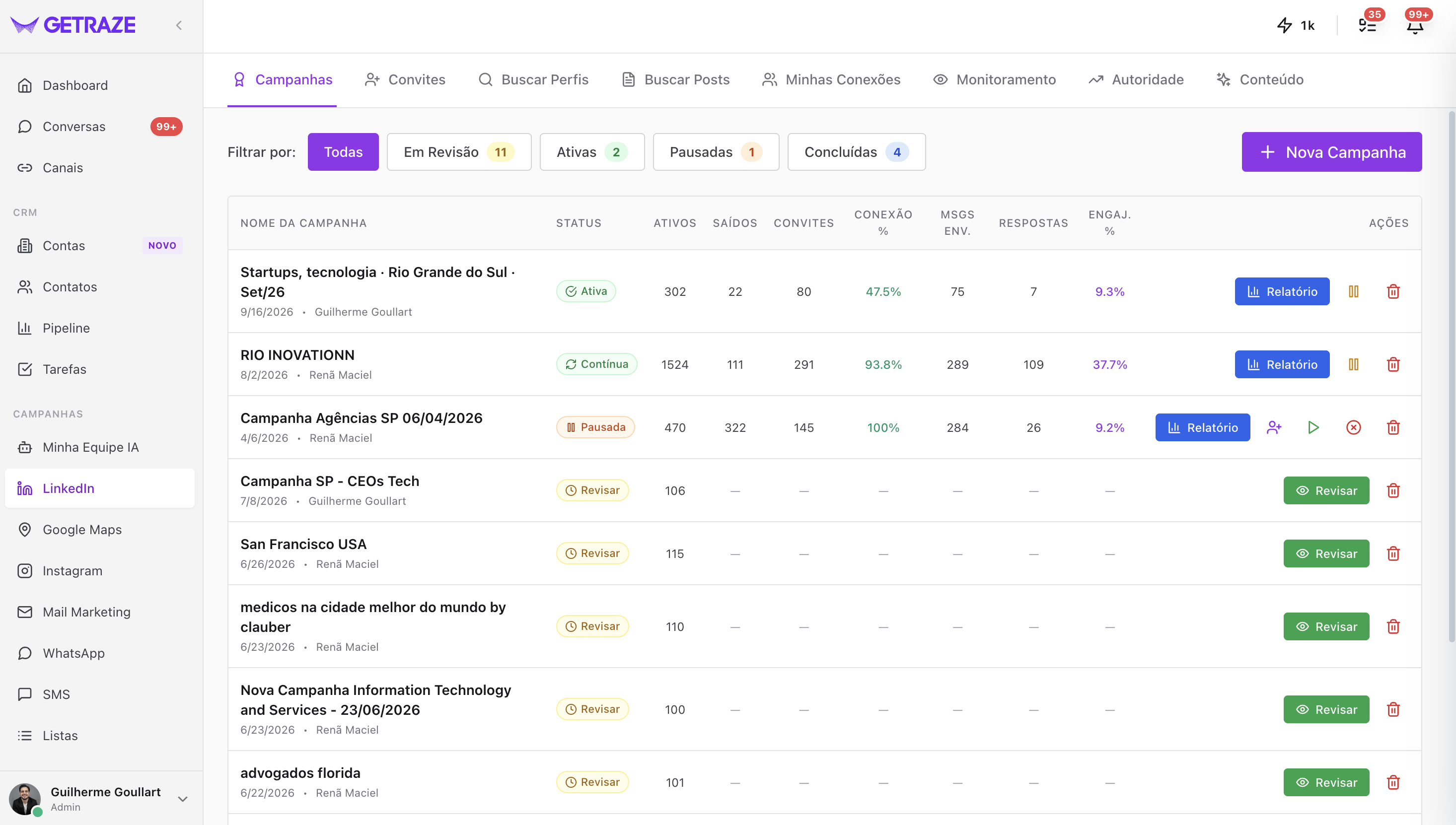
The LinkedIn area in GetRaze brings together everything you need to prospect, build relationships and grow your authority on this channel. In the menu, you will find seven options:
- Campaigns
- Invitations
- Search Profiles
- Search Posts
- My Connections
- Monitoring
- Authority
This article is a quick overview of each of them. For the full step by step, go to each feature's dedicated tutorial.
Before you start
To use the LinkedIn area, you need a LinkedIn account connected to the platform. If you haven't connected one yet, see the Connecting Channels tutorial.
Campaigns
This is where you create your LinkedIn campaigns — to generate leads and talk to your contact base in a structured, automated way.
➡️ Tutorial: LinkedIn campaign types
➡️ Tutorial: Tracking your LinkedIn campaigns
Invitations
Keep track of your connection invitations: see which ones are pending acceptance and accept or reject the invitations you receive, without leaving the platform.
➡️ Tutorial: Managing invitations
Search Profiles
A more manual search for LinkedIn profiles, for when you want to find specific contacts and add them to your campaigns.
➡️ Tutorial: Searching profiles (coming soon)
Search Posts
Paste the URL of a LinkedIn post — or type a topic — and see who is engaging with that content (likes, comments). From there, add these people to your campaigns.
💡 People who engage with a post about your market have already shown interest in the topic — they are a much warmer audience to approach.
➡️ Tutorial: Searching posts and engagers (coming soon)
My Connections
A search run on the connections you already have on your LinkedIn — ideal for reactivating and working the base you have already built.
➡️ Tutorial: Working your connections (coming soon)
Monitoring
Enter profiles to be monitored continuously. It is a powerful feature for ABM (Account-Based Marketing) strategies:
- Find people engaged with specific LinkedIn profiles and trigger your campaigns on them;
- Look for employees of a given company you want to reach.
➡️ Tutorial: Profile monitoring (coming soon)
Authority
Authority is an algorithm exclusive to GetRaze. Every 7 days, we run a full check on your LinkedIn that generates:
- A score for your profile;
- Insights about your presence on LinkedIn;
- Recommended actions to improve your profile and increase your authority on the channel.
➡️ Tutorial: Understanding your Authority (coming soon)
Next steps
- Connect your LinkedIn if you haven't yet;
- Create your first campaign to start generating leads;
- Check your Authority weekly and apply the recommended actions.